Capture the details before the callback
Collect the requested work, service address, callback number and preferred timing. A remodeling inquiry needs scope and project timing; a repair request may need a different escalation path.

Organize service inquiries, appointment requests and follow-up while your crew is on the job.
Discuss your workflowSee the workspace ↓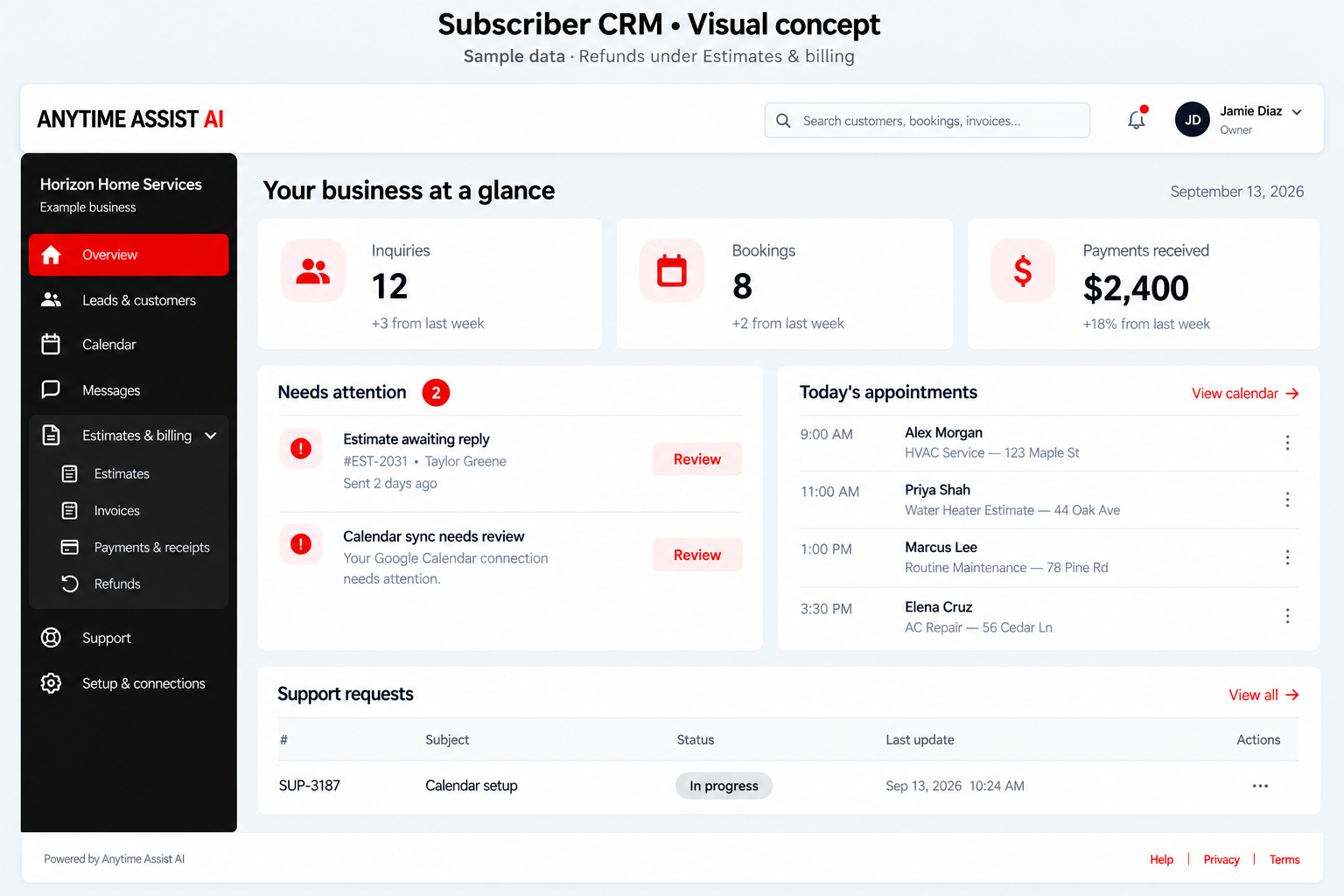
Capture the request, review availability and keep the customer’s details with their appointment and documents.
Collect the requested work, service address, callback number and preferred timing. A remodeling inquiry needs scope and project timing; a repair request may need a different escalation path.
Define urgent situations with your business and identify an on-call contact. The configured assistant should attempt the approved transfer and explain a failed transfer honestly. It must not invent a dispatch or promise emergency availability.
Use business hours, closed dates, notice periods and appointment buffers. Assign the correct calendar and check for conflicts before confirming a slot. Existing appointments remain visible if an outside sync needs attention.
Provide approved inspection fees and clear quoting limits. Site-specific work can be routed to a person for an estimate. Payment links require a verified payment connection; a booking is not payment received.
Capture the equipment concern and requested service. Apply your approved urgent-call rules before offering routine maintenance slots.
Capture the service address and reported leak or repair. Escalate urgent water issues using your configured transfer and fallback process.
Record the requested work and escalate reported hazards according to approved instructions. Do not improvise a diagnosis or safety advice.
Your workspace holds business records. Phone answering, SMS, calendar synchronization, email delivery and payment collection depend on their individual connections and tests. Agree on the scope, usage allowance and launch steps before activation.
Review plans and setup costs · Read illustrative workflow examples
Only within pricing rules you approve. Work requiring an inspection or custom scope should go to your team for review.
Complete business rules, scheduling and escalation instructions. Review scripts, test the connected services, and approve the launch with Anytime Assist. Demonstration examples are fictional and are not customer results.
Tell us what your team needs to handle and which tools you use. We will review fit and setup requirements with you.